




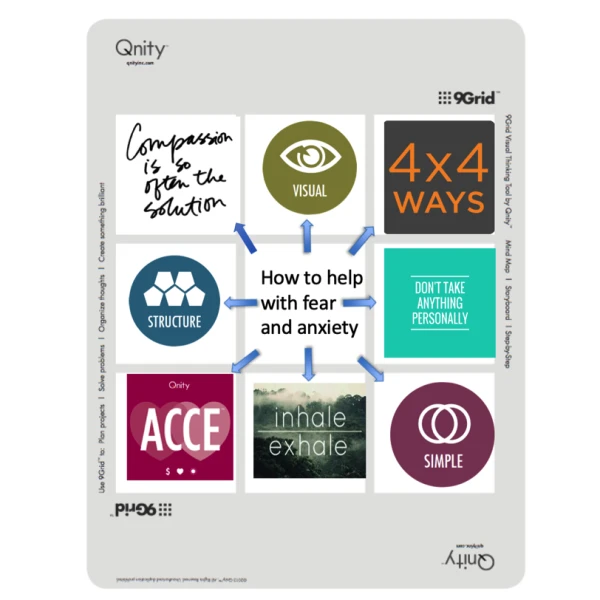
8 Tips for Managing Fear and Uncertainty
Qnity shares tips for managing fear and uncertainty using their 9 Grid.
by Qnity

 MENU
MENU SEARCH
Welcome to Assignment #5! Are you getting antsy to put your notebook out in the salon reception area? How about we create a mini menu for the notebook today and do just that! Then in the
Welcome to Assignment #5! Are you getting antsy to put your notebook out in the salon reception area? How about we create a mini menu for the notebook today and do just that! Then in the following assignments you can just keep adding to it.
This time around I have a choice for you. You can create a mini menu of your regular offerings, your holiday specials, or make both. We want this mini menu to catch interest and create a desire to learn more about what you have to offer so we are going to infuse it with photos. (In Assignment #4, we tasked you with a homework assignments to take two photos a day of your favorite work.)
Let’s start in Picasa. If you need a refresher in Picasa, go back and read Assignment #3.) If you have a different program and are fluent with it please follow along in your program! Open it up and select your album with the pictures you want to use. To make it easy, I put everything in a folder called “nail notebook” on my desktop. While holding down the Ctrl button, left click once on each of the photos you want to use to select them. Once you have them all selected, release the Ctrl button, look up to the menu along the top and click “Create”, then select “Picture Collage”.

Remember from past assignments that you can move and rotate the photos around the page to be scattered where you want them. You also have the option to right click and select delete on any photo if you find that your page is too crowded. I am opting to cluster photos in opposing corners. When you have the pictures in a layout that makes you happy, click “Create Collage”. The screen will change and now we can add in text. Choose what services you want to spotlight and write a very brief caption for them. It is your choice to add pricing or not. My choice is to leave off pricing so when I raise my prices I do not have to redo the page. Click the option on the left that says “text” and add your spotlight menu option. Repeat for each option you want to spotlight.
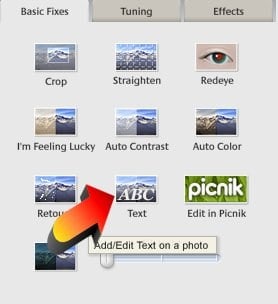
Have fun with your descriptor — sneak in informative info and appeal to them on more than one level! To give you an idea, I will share my spotlight service captions:
Simply Shellac ~ Simple yet beloved, like a timeless favorite necklace that never lets you down — a new file, manicured cuticles, and a perfect polish that lasts at least two weeks.
Really RockStar Toes ~ The perfect accessory for those party peep toes, that no outfit should be without. A new file, meticulously manicured cuticles, massaged in moisture pack, and enough bling to make your feet sing. Naked toes are so last year!
When you finish, be sure to save by selecting “file” in the top left, then “save as” from the dropdown menu. To keep things simple, save it to your nail notebook folder, then print!

If you have been taking lots of photos, you may have more that you want to use on a mini menu. An option would be to print one or more collages of just your photos. There are different collage options for solid photo layouts. In your main screen of Picasa, select the album on the left that you want to use photos from, then select the photos. (Holding down the Ctrl button, left click once on each of the photos you want to use to select them.) Once you have them all selected, release the Ctrl button, look up to the menu along the top and click “Create”, then select “Picture Collage”. There are some tabs toward the top left and if you look below both sets of tabs you should see where it says picture pile. Click on the arrow to the right of those words and there are several full photo collage options you can chose from.

From there you should recognize the steps we followed earlier like clicking “Create Collage”. I hope you enjoy this assignment and if you decide to share your nail notebook at the salon, know that people will see how amazing you are just to have created it!
— Holly
Qnity shares tips for managing fear and uncertainty using their 9 Grid.
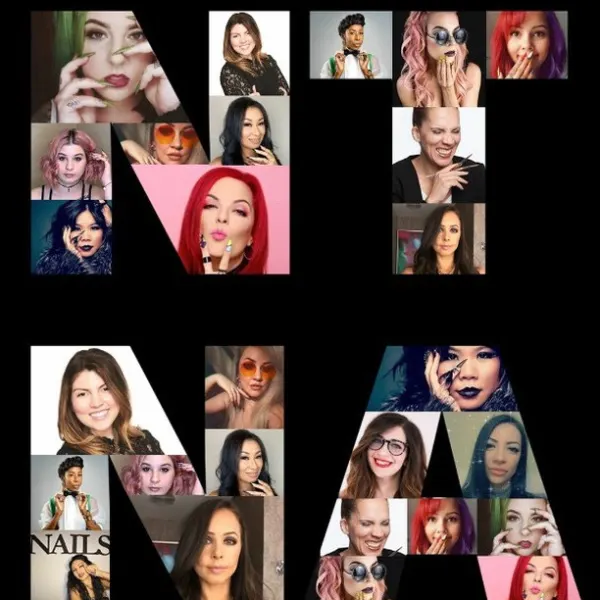
The viral Don't Rush Challenge has spawned many nail spin-offs. NAILS NTNA alum took on the challenge for the ultimate social media post.

Last night's Virtual Happy Hour on Instagram Live with Ashley Gregory, Salon Coach, gave us a ton of information. Here are just five things we learned.

NAILS introduces Virtual Happy Hour each Thursday at 5 pm PST during quarantine.

Amy Masters interviewed Director of Brand Content Strategy, Beth Livesay, on Tech Talk Live.

Director of brand content strategy, Beth Livesay, talks with CND co-founder and style director Jan Arnold about CND and BCL's COVID-19 Relief Grants.
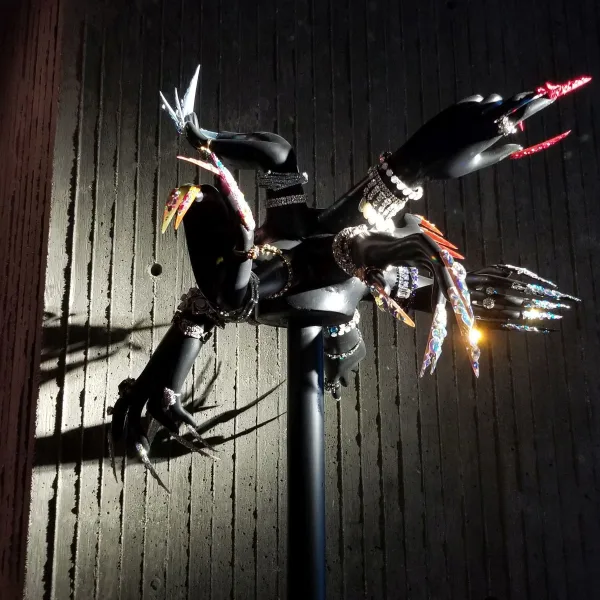
Swarovski's Fall/Winter trends include classic styles, casual looks, natural inspiration, and more.
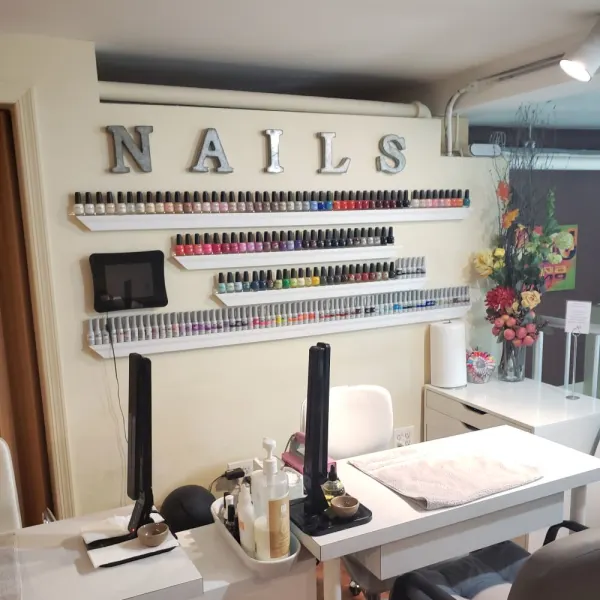
WeWork has become a popular concept when it comes to doing business. For Pattie Yankee, a salon emergency caused her to secure a space for nail entrepreneurs in need.
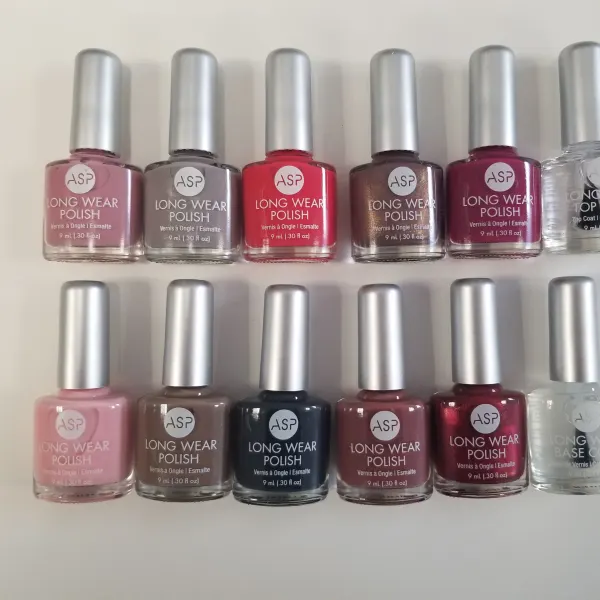
Five readers can enter to win ASP's new long wear polish.
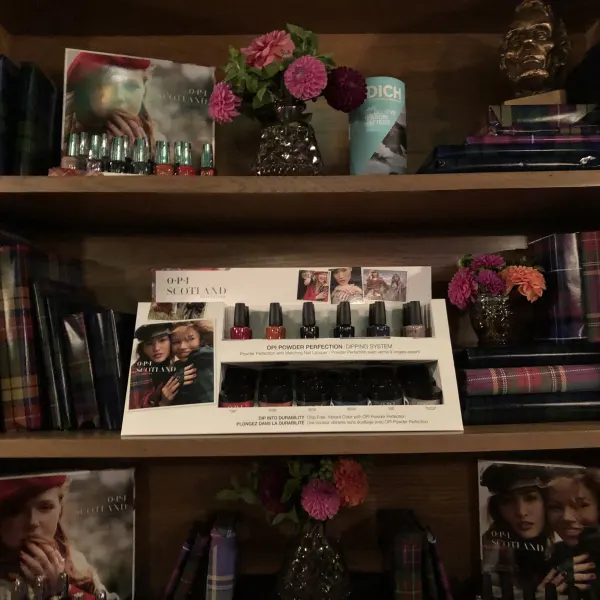
OPI invited the NAILS team and other local influencers to toast the launch of OPI Scotland.

CND will offer deals on products and education on nail trends and techniques at Premiere Orlando June 1-3.
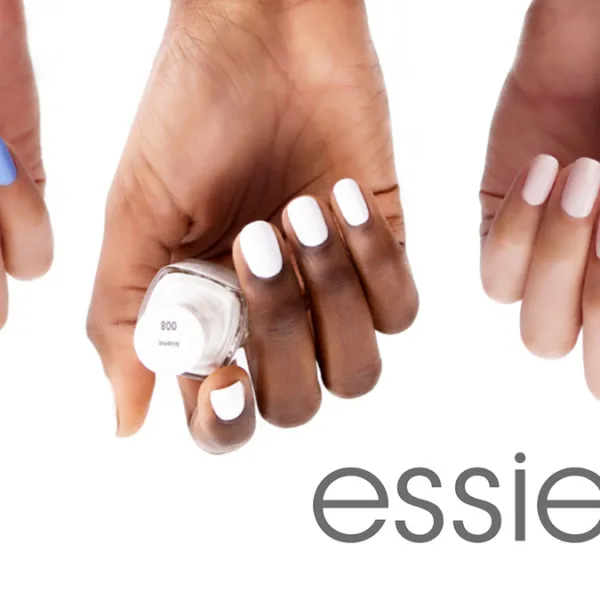
Essie is celebrating its third National Nail Polish Day with a sweepstakes!
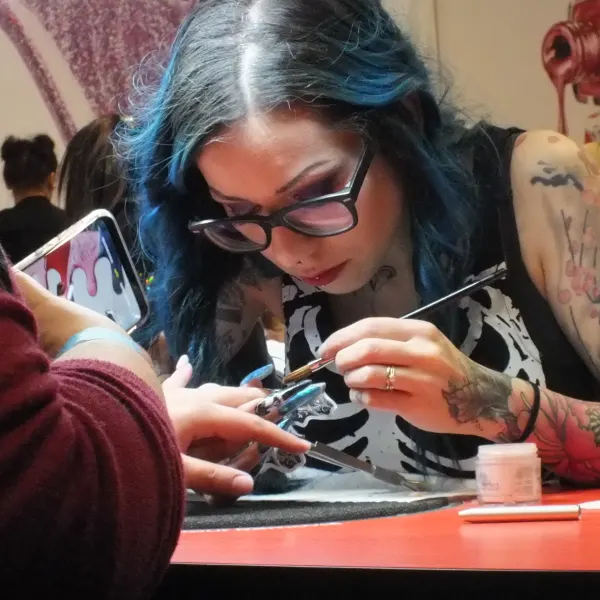
Premiere Orlando attendees this year have the exciting opportunity to compete in Nailympia, a globally recognized competition brand.
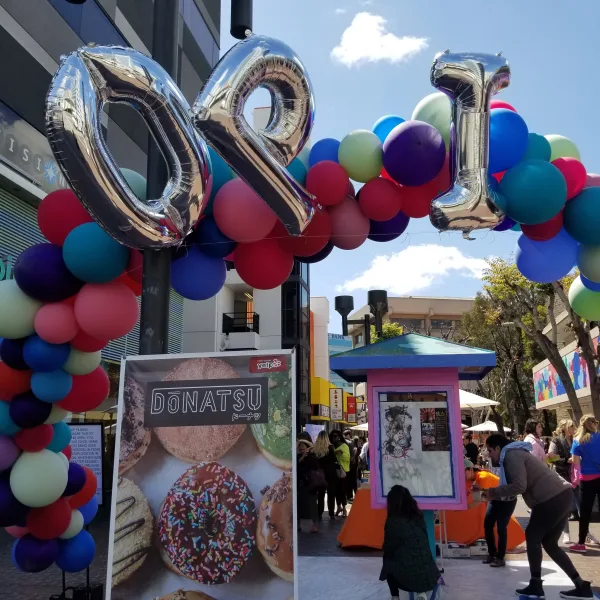
OPI commissioned a mural in the Los Angeles Little Tokyo neighborhood, with colors inspired by the brand's Tokyo collection.
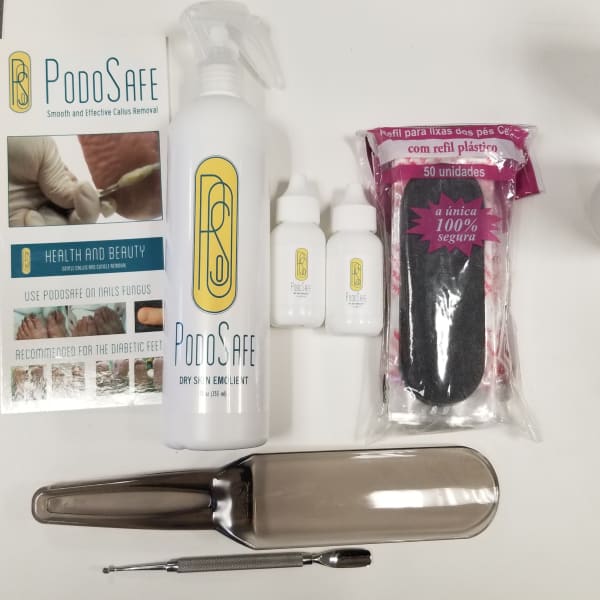
Enter to win PodoSafe Callus Remover, plus a selection of pedicure implements.

Morgan Taylor partnered with Rodarte for a star-studded garden party at the Huntington Library on Tuesday.
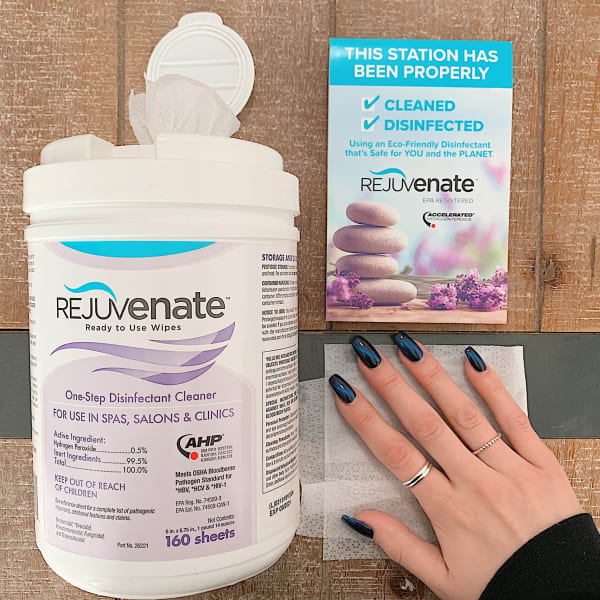
Rejuvenate Disinfectant Wipes effectively clean and disinfect nail salon surfaces and foot baths in as little as one minute without the use of harsh chemicals. Comment for a chance to win!