





The Beauty Pro Book Club: 4 Reads to Inspire Growth and Success
Four publications for beauty industry professionals to enhance their leadership skills, financial awareness, professional growth, and joy!
by Anne Moratto

 MENU
MENU SEARCH
Creating a website doesn’t have to make you crazy. NAILS’ web correspondent Debbie Doerrlamm discuss online web creation tools and options that make the going easier.


Creating a website isn’t rocket science, but it does involve computer science, which can not only make you sweat, but sometimes cry as well. This month I’ll help you make the decision as to which road to travel to get your salon’s website up and running as quickly and painlessly as possible.
Before I get into the how part, let’s take a quick look at the why and what sort of preparation is necessary.
Who Needs a Website? Everyone!
Today every business needs some sort of presence on the web. More and more consumers are using the Internet for research before purchasing goods and services. Generally speaking, a website should be an enhancement to your normal print advertising in the local Penny Saver or the Yellow Pages. Always make sure your web address is displayed prominently in any print advertising you do. The web-based extension of your print advertising can bring potential clients “virtually” into the salon to have a look around and help them make a more educated decision about whether to book with you or someone else.
Your website should mimic your salon’s color scheme and ambiance. If your salon has a funky atmosphere, then the website should also be designed with a funky style. A day spa should not have a website with loud colors and lots of moving images, it should be as calm and soothing as a client would expect a day spa experience to be. Gather up some photos of the salon. If you can afford professional photos, use these on your site. You may even include a short (10-to 30-second) video tour of the salon. Polish your service and price menus and prepare that material to be added to the site as well. Look at as many other salon website as you can to get ideas of other content you would like to include and get that ready. (For more detailed information on website strategies, you can look up past articles at www.beautytech.com/articles/directory/30.html.)
Which Way Will You Go?
There are a few big choices to be made before you make the big leap. First, you have to decide if you want to create and maintain the site yourself or pay a web designer to do it for you. Think carefully about your level of computer ability and the time involved in maintenance, which includes updating staff pages, specials, upcoming events, and menu. You may want to think about delegating this job to a trusted member of your staff. If you do delegate, make sure you still remain involved. Retain all the user names and passwords needed to gain access to make changes just in case that staff member leaves the salon. If you want to hire an outside agent to do the design, ask for links to other sites they have created to make sure they have the ability to create the look you are shooting for. In either case, set a budget that allows for both the initial design and monthly/annual maintenance fees.
If you opt to go the do-it-yourself route, you’ll need to do the following:
Register your domain name
Sign up for a website hosting service (often domain name registration is included)
Gather the information and materials needed
Jump in and start designing
Using a web designer would cut that list down to just gathering the material and meeting with the designer to plan the look and navigation of the site. If you hire a web designer who will register the domain name, not the designer’s name.
If you decide to use a design company, it’s very important they understand your business. You might want to consider a designer who specializes in salon web design. At the very least, have your web designer come in to experience the salon firsthand so he or she can get a good feel for your business.
Check the links area at http:/beautytech.com/links/directory/157.html for links to web designers who specialize in salons.
“Laptop $1,200, Wi-fi router $50, portable house phone $40, the ability to sit poolside and write my article, doing the research online-priceless.”
Microsites
A new term cropping up around the ‘net is microsite. This is a set of web pages dedicated to a particular business within a larger site, such as your local online Yellow Pages. This method of getting online is usually easy. For instance, the Yellow Pages advertising staff will normally create the site for you or point you to a simple, basic online form to fill out. Prices can range from a one-time fee to monthly or annual costs plus design fees. Do your homework if you choose this route. Ask plenty of questions and shop around. Websites you might want to check for microsites include regional tourism sites and your local chamber of commerce. These sites allow visitors a quick look, then link to the salon’s primary website for more detailed information.
A Little Help From Microsoft
I recently discovered that Microsoft offers a new service called Microsoft Office Live. The basic service is free during and after the “beta” (testing) period. The domain name registration is free also. The service includes an online site designer with pre-designed templates, which - amazingly enough - include a section for salons and spas. The templates are easy to pick from. Color schemes and layouts of the desired templates are also easy to customize to match your salon. There are plenty of “tool guides” to help walk you through the site creation. It’s so easy to use that as I write this, sitting out by my neighbor’s pool, I have already signed up and am looking around at the offerings. After a quick dip I am going to go customize my new website.
There are two paid design/hosting options also, but if you’re looking for a basic salon website, you should be very happy with the free version. You are allowed up to 30 megabytes of space, which is much more than the average salon site needs. You can upload your images right from the design site, then choose where to add the pictures in your pages. If you have ever used Microsoft Word or Works and are comfortable doing basic tasks such as formatting text and adding pictures, then this is your dream come true. The only thing I can fault about the entire process is the lack of a spell checker. If you use this tool, and went to the Debbie School of Typing, I suggest you copy and paste your text from another program that does have a spell checker in it.
Four publications for beauty industry professionals to enhance their leadership skills, financial awareness, professional growth, and joy!
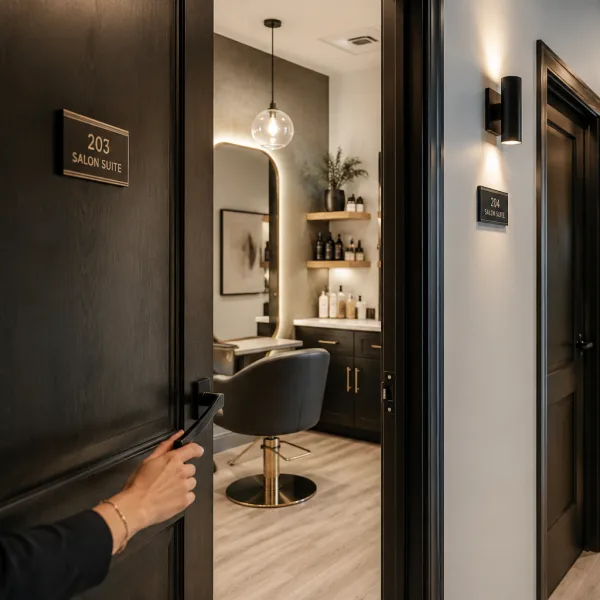
The most successful salon suites balance personality, function, and comfort. Megan Communale of My Salon Suite shares her best advice for designing a space that supports your business goals and leaves a lasting impression on every guest.
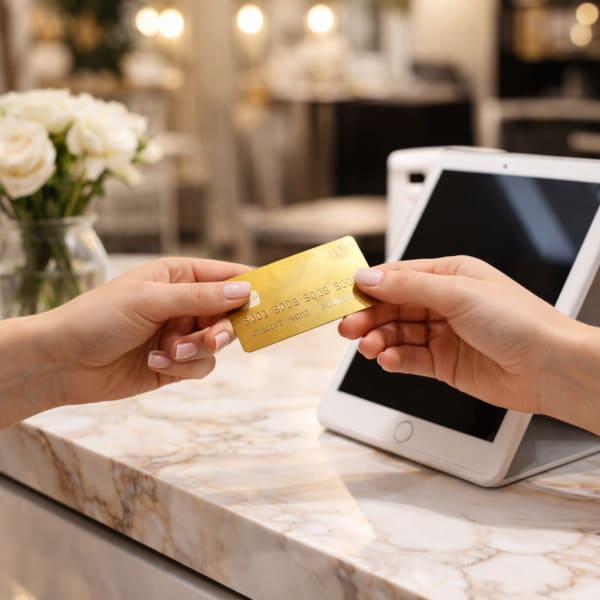
Square data shows that regular customers tip 11% higher and are shared across 32% of businesses in the same ZIP code, driving thousands of dollars in additional revenue per connection.
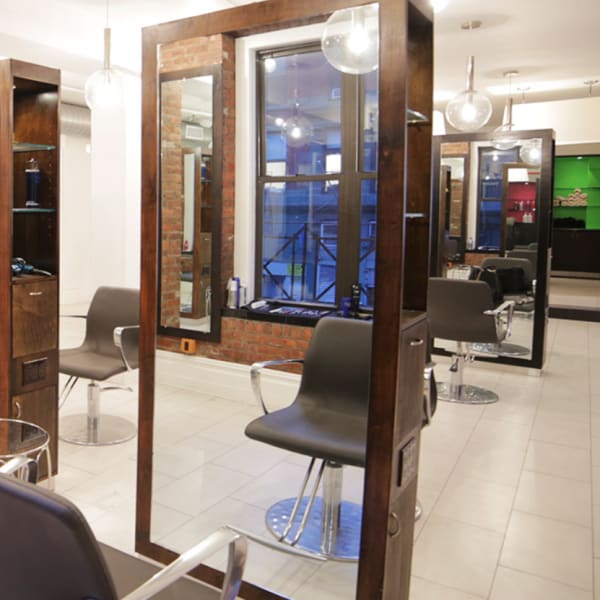
When Bowie Lau and Jeffrey Ching opened JBW Jeffrey Ching Salon in 2011, they weren’t just launching another luxury hair destination—they were building a business rooted in passion, artistry, and thoughtful growth.
Sponsored by Amex

Inside the Systems That Power an Elevated Salon Experience From seamless online booking to a team-first culture, J Gold Salon in Atlanta offers more than great hair—it delivers consistent, high-touch service with the help of partners like Boulevard and American Express.
Sponsored by Amex

Want to grow your career as a beauty professional? K18 Sales Manager Sabrina Sanborn shares advice on networking, mentorship, and self-advocacy—from attending hair shows to finding the right guidance to reach your goals.

A combination of clear policies, effective communication, and strong client relationships has helped me create a more reliable and efficient booking system.
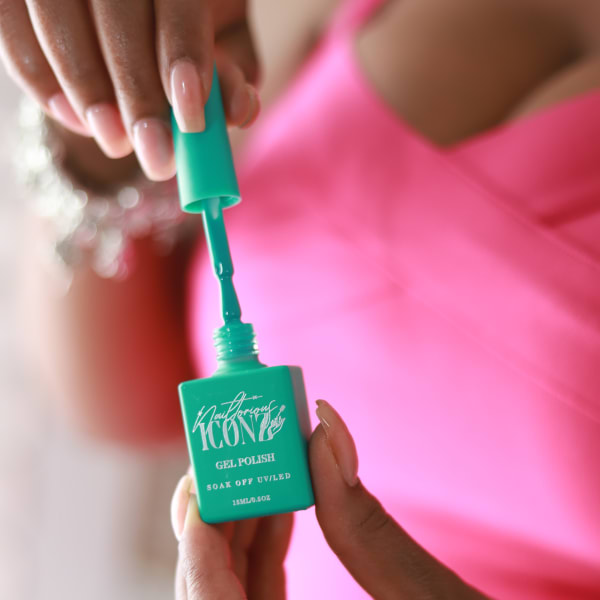
Founded by Cleveland serial entrepreneur Shaura Rodgers, Nailtorious has grown to include a nail supply megastore, training facilities, and retail line for nail techs.

This period after the holidays can bring on a huge lull for hairstylists. We asked Cosmo Prof's team of professionals to offer their best advice on how to deal with the January-February slow period.
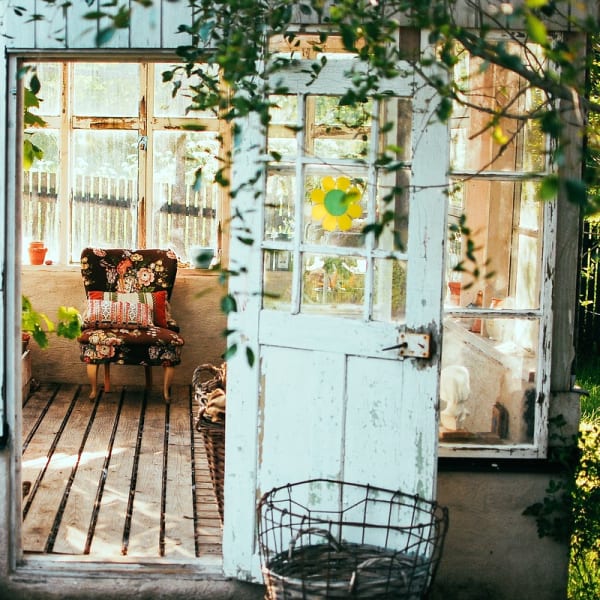
Key highlights include a push toward inclusive spaces for all abilities, an emphasis on maximizing livable square footage, and a continued love for modern farmhouse exteriors.
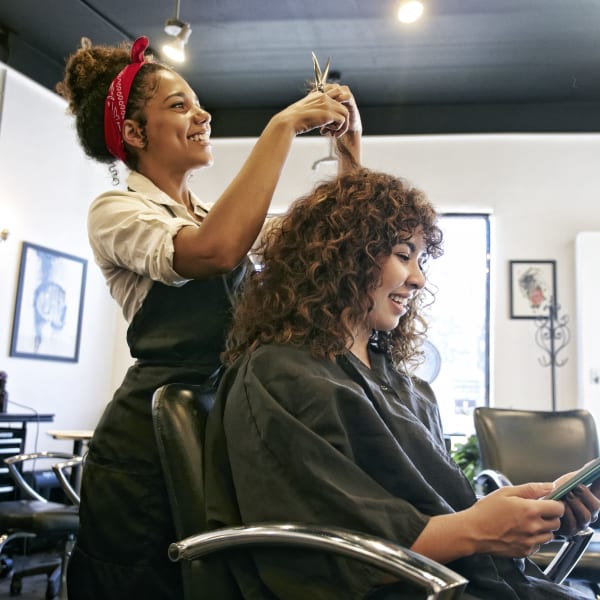
The busy holiday season is here, and with it comes jam-packed days, last-minute client requests and booming retail sales. For many salon owners, the highlight of the season is Small Business Saturday® (SBS). This year on Saturday, November 30, consumers can take their shopping into the small businesses in their communities.
Sponsored by Amex

Want to become savvy about your personal finances, but don't quite know where to start? Anna Manukyan identifies six important concepts for building a strong financial foundation.
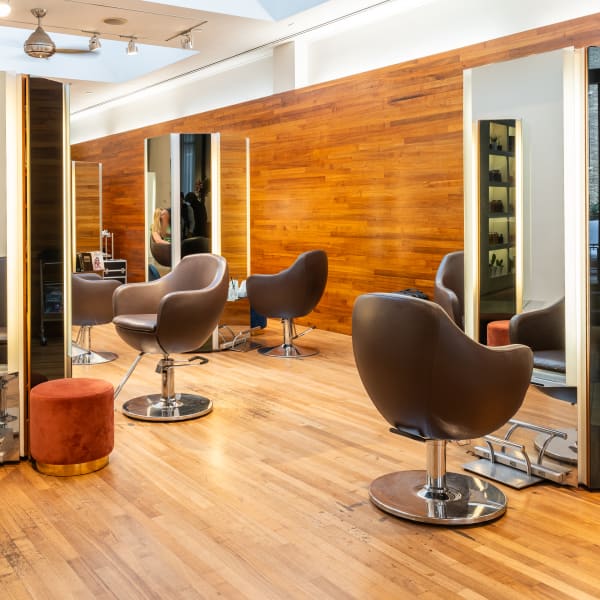
Salon owner Nuri Yurt had a dream of owning a salon on New York City’s Madison Avenue. "Through perseverance, hard work and stellar customer service, he and partner John Kaygisiz founded Toka Salon in 2007.
Sponsored by Amex

This guide is your one-stop shop for a plethora of technology tools, software and services created to keep your salon or spa thriving.

Anna Manukyan shares a breakdown of what different types of financial accounts should be used for.

Vagaro has consistently been at the forefront of salon software technology, helping businesses be more efficient, create more effective communication, and even improve company culture. Now, Connect by Vagaro, the platform’s two-way communication capability, and Vagaro’s new generative AI tools are giving owners new opportunities to grow and expand.
Sponsored by Vagaro

Young Nails' Greg, Habib, and Tracey discuss whether getting too close to clients can damage your business.