




The Beauty Pro Book Club: 4 Reads to Inspire Growth and Success
Four publications for beauty industry professionals to enhance their leadership skills, financial awareness, professional growth, and joy!
by Anne Moratto

 MENU
MENU SEARCH
Everyone wants to be able to take perfect nail photos, but if you don’t have the ideal setup, you might need a little help making your images pop.
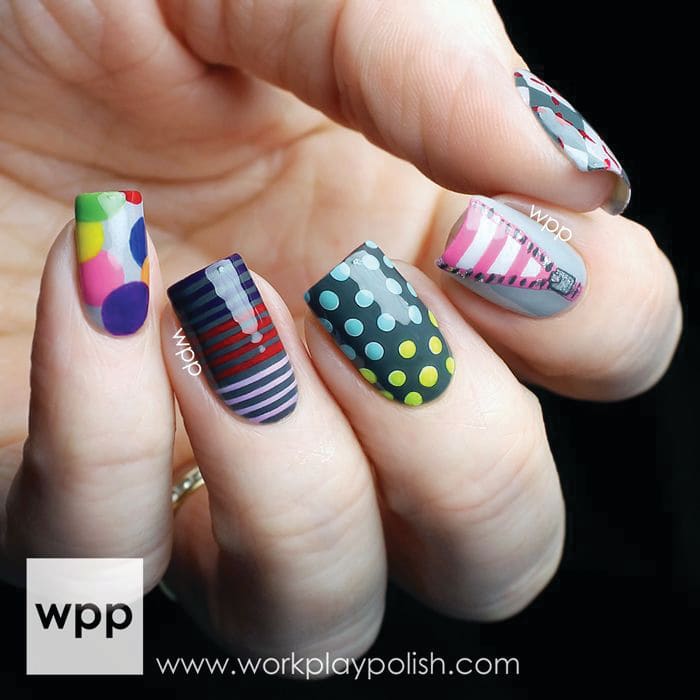
Credit: Leslie Henry @workplaypolish
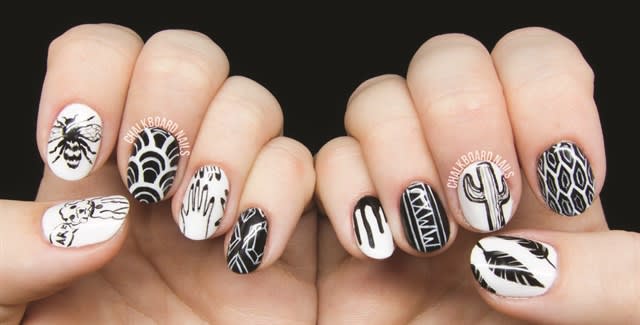
Sarah Waite @chalkboardnails
Everyone wants to be able to take perfect nail photos, but if you don’t have the ideal setup, you might need a little help making your images pop, says nail tech and blogger Victoria Thorp (www.onemorecoat.com). “Using the right apps, you can edit any photo, whether it’s taken on the latest model phone or on a dinosaur,” she says. There are many apps available (such as Snapseed and Picsart) that allow you to adjust your images, you just need to understand what all the settings do. “Different apps may use different terms, but they all do essentially the same thing,” she says.
Thorp explains:
Exposure: This is how light the photo is. Ideally you want to take your pictures with as much light as possible, but if that’s not possible, try turning up the exposure (or brightness). You can do this for the whole image or in specific areas, which can be great for lightening the skin or background without blowing out the nails.
White Balance: If you find your image is a little too yellow or blue (this is particularly problematic in afternoon sun or under LED lights), then you need to adjust your white balance. One way will shift the photo color cooler and the other warmer. Just play with this setting until the coloring looks natural.
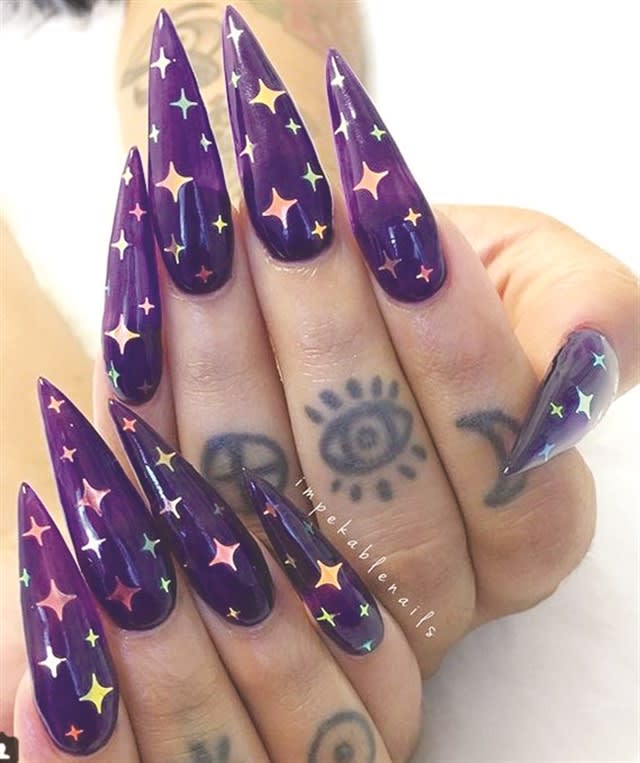
Peka Grayson @impekablenails
Blur/Sharpen: Is your photo a little blurry? Or do the hands look super dry? Then you need to try blurring and sharpening. (This setting may be called Structure in some apps.) This is another setting that works very well when applied to specific areas. Blurring the hand slightly will give that lightly airbrushed look, while sharpening the nails will make the design really stand out.
Spot Fix: Ideally you don’t want to have to use a spot fix, but if you have a little piece of dust in your photo or a flaw that you don’t want seen, zoom in on the picture as close as you can and tap the screen with the spot fix to remove it.
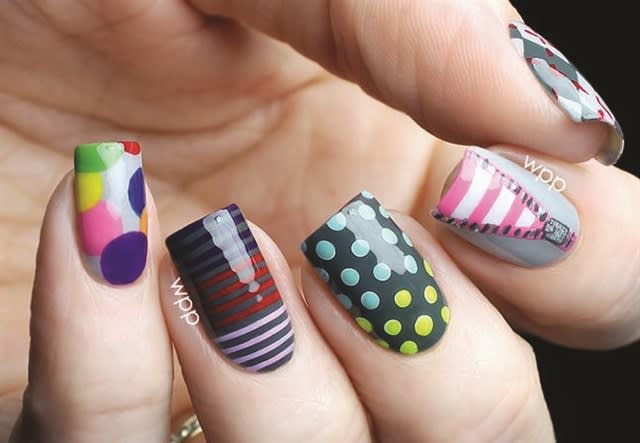
Leslie Henry @workplaypolish
Adding Watermarks: You always want to protect your work with a watermark to stop people from stealing your work. Using Phonto (Word Swag is another option), you tap the screen, write what you want, and select the color and font, then pinch and slide it where you want it. Make sure it is somewhere on the image that isn’t easy to crop out.
Sparkly Filter: There is nothing more frustrating than having a nail covered in glitter or gems and having none of that bling show up on your photos. Add a little sparkly flair by opening the image in an app like Kirakira or Brillar and adjusting how intense you want your sparkle to look.
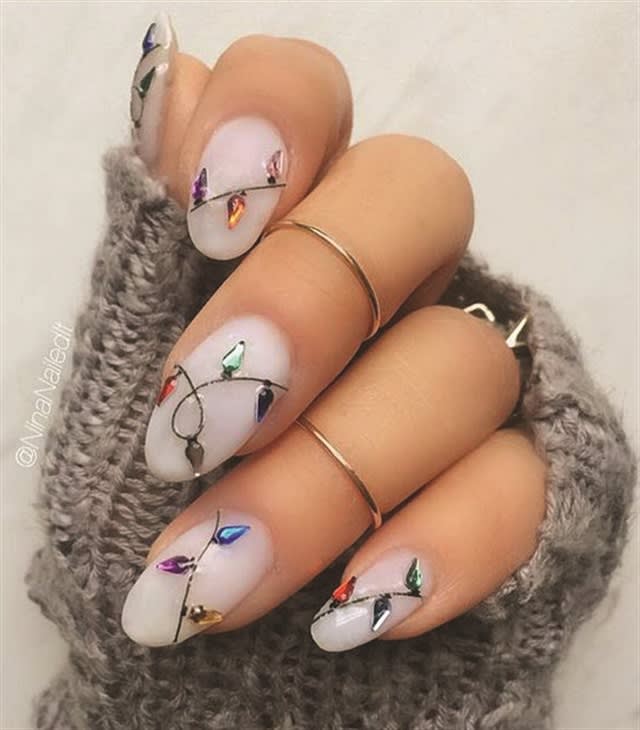
Nina Park @ninanailedit
Four publications for beauty industry professionals to enhance their leadership skills, financial awareness, professional growth, and joy!
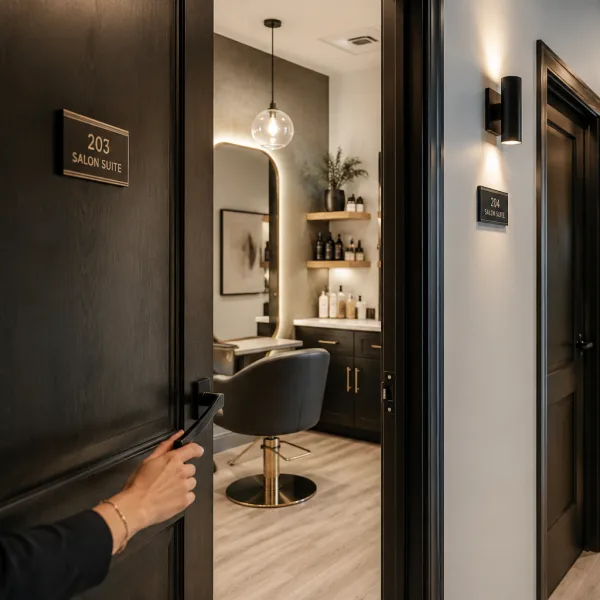
The most successful salon suites balance personality, function, and comfort. Megan Communale of My Salon Suite shares her best advice for designing a space that supports your business goals and leaves a lasting impression on every guest.

Square data shows that regular customers tip 11% higher and are shared across 32% of businesses in the same ZIP code, driving thousands of dollars in additional revenue per connection.
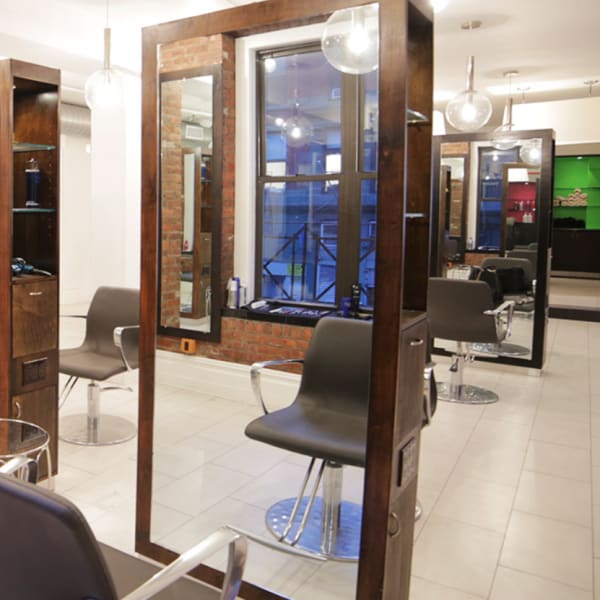
When Bowie Lau and Jeffrey Ching opened JBW Jeffrey Ching Salon in 2011, they weren’t just launching another luxury hair destination—they were building a business rooted in passion, artistry, and thoughtful growth.
Sponsored by Amex

Inside the Systems That Power an Elevated Salon Experience From seamless online booking to a team-first culture, J Gold Salon in Atlanta offers more than great hair—it delivers consistent, high-touch service with the help of partners like Boulevard and American Express.
Sponsored by Amex

Want to grow your career as a beauty professional? K18 Sales Manager Sabrina Sanborn shares advice on networking, mentorship, and self-advocacy—from attending hair shows to finding the right guidance to reach your goals.

A combination of clear policies, effective communication, and strong client relationships has helped me create a more reliable and efficient booking system.
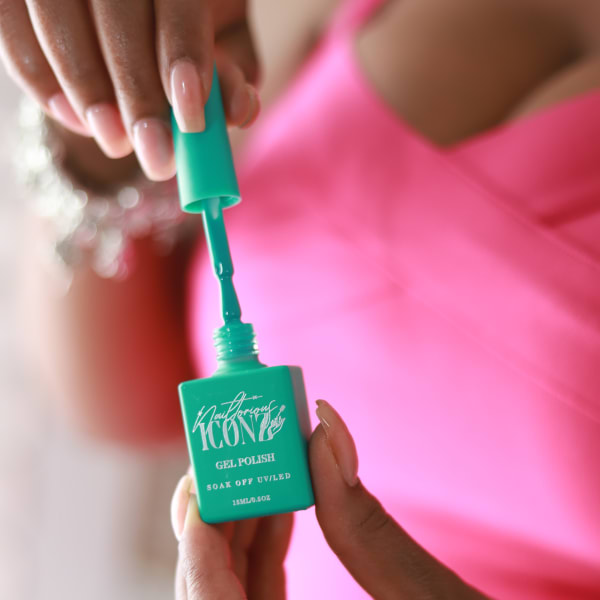
Founded by Cleveland serial entrepreneur Shaura Rodgers, Nailtorious has grown to include a nail supply megastore, training facilities, and retail line for nail techs.

This period after the holidays can bring on a huge lull for hairstylists. We asked Cosmo Prof's team of professionals to offer their best advice on how to deal with the January-February slow period.

Key highlights include a push toward inclusive spaces for all abilities, an emphasis on maximizing livable square footage, and a continued love for modern farmhouse exteriors.
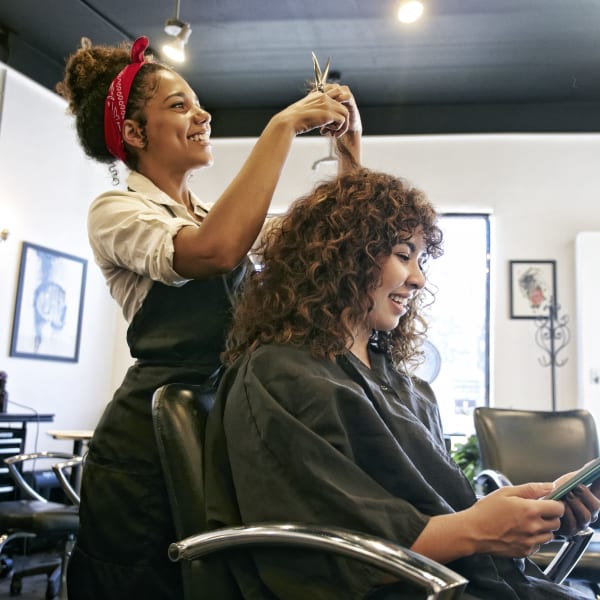
The busy holiday season is here, and with it comes jam-packed days, last-minute client requests and booming retail sales. For many salon owners, the highlight of the season is Small Business Saturday® (SBS). This year on Saturday, November 30, consumers can take their shopping into the small businesses in their communities.
Sponsored by Amex

Want to become savvy about your personal finances, but don't quite know where to start? Anna Manukyan identifies six important concepts for building a strong financial foundation.
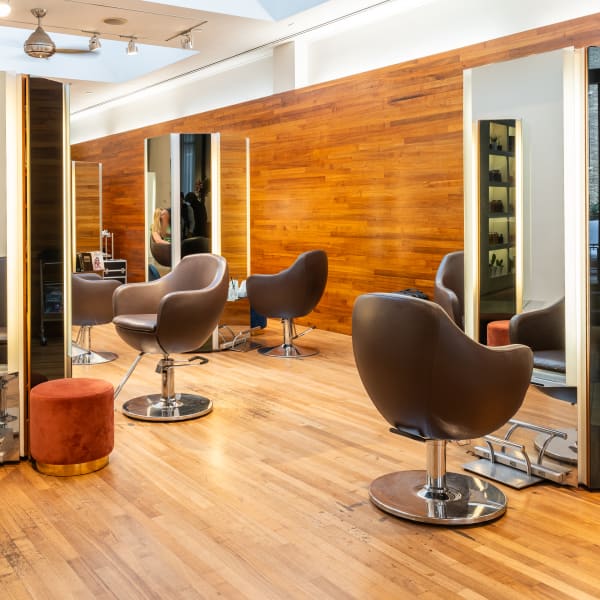
Salon owner Nuri Yurt had a dream of owning a salon on New York City’s Madison Avenue. "Through perseverance, hard work and stellar customer service, he and partner John Kaygisiz founded Toka Salon in 2007.
Sponsored by Amex

This guide is your one-stop shop for a plethora of technology tools, software and services created to keep your salon or spa thriving.

Anna Manukyan shares a breakdown of what different types of financial accounts should be used for.

Vagaro has consistently been at the forefront of salon software technology, helping businesses be more efficient, create more effective communication, and even improve company culture. Now, Connect by Vagaro, the platform’s two-way communication capability, and Vagaro’s new generative AI tools are giving owners new opportunities to grow and expand.
Sponsored by Vagaro

Young Nails' Greg, Habib, and Tracey discuss whether getting too close to clients can damage your business.